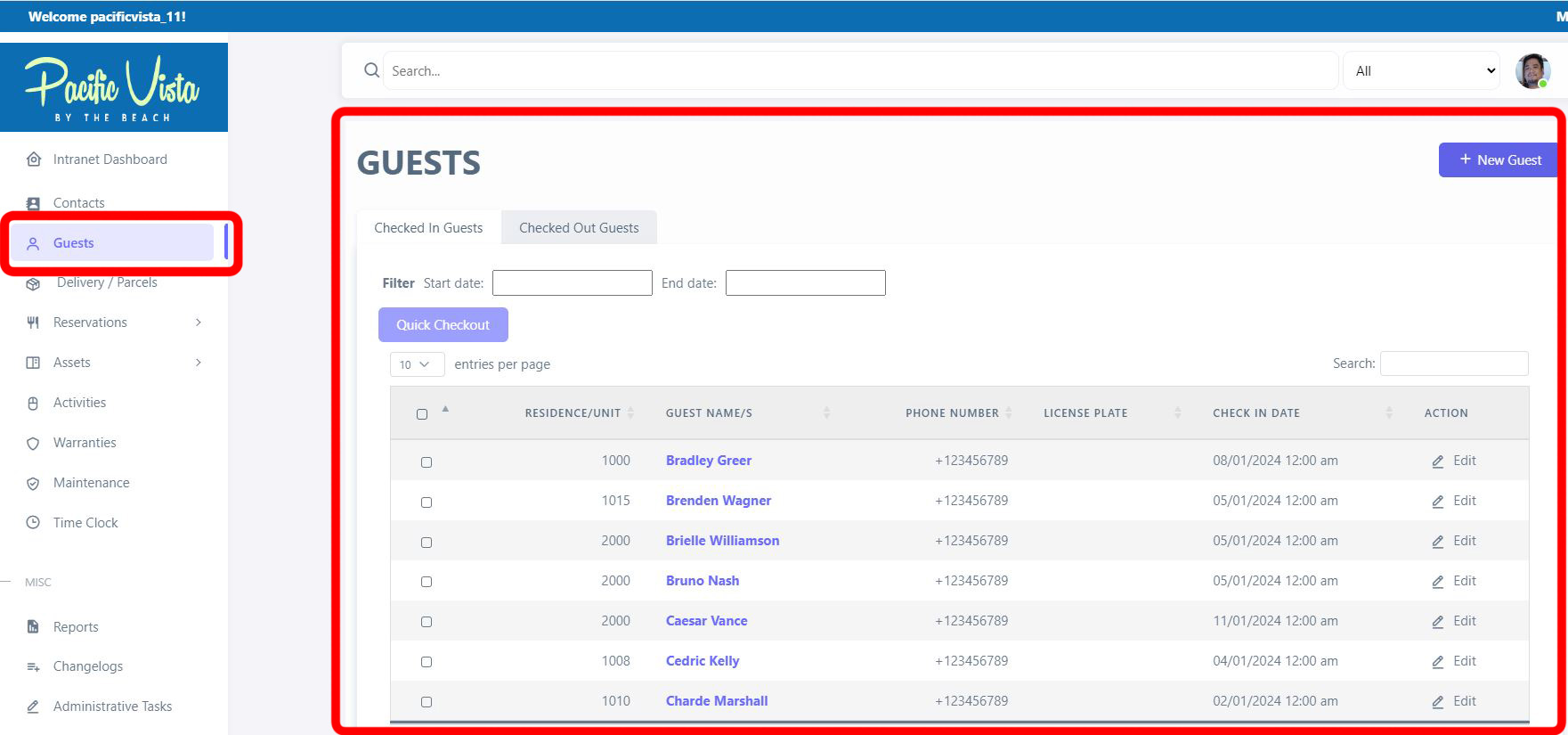
Guests
Overview
Guests are stored as a custom post type `guests`. Each guest record ties a visit to a unit, captures identity and stay details, optional vehicle information, check-in/out times, signature, optional photo, and optional email to the resident. The module supports front-desk style workflows with REST exposure of ACF data where configured.
Access typically requires client admin (or equivalent) and guest_access capability.
How to Create
1. Ensure you have permission for the Guests module.
2. Open the Guests list/archive (slug is commonly `guests` on the site).
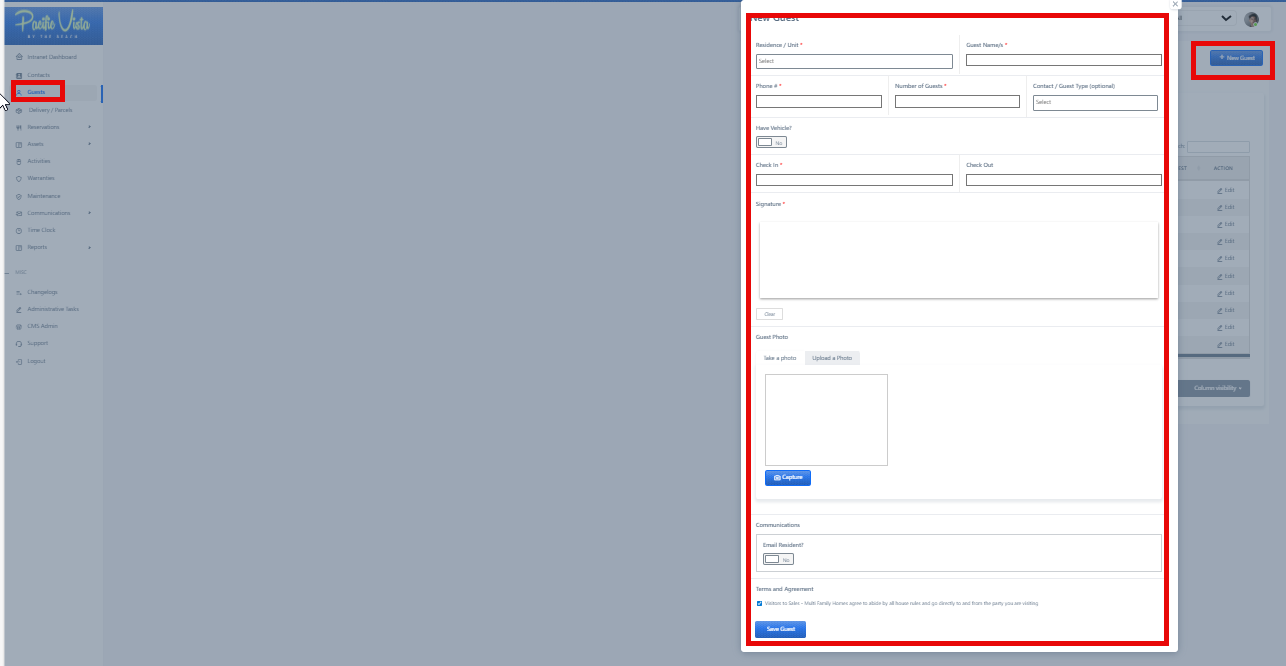
3. Use Add New / the new-guest action your theme provides (often loads an ACF form via AJAX with Save Guest).
4. Fill required fields (unit, names, phone, guest count, check-in, signature, etc.) and submit.
Information and services related to guest management, such as checking in and out, guest profiles, and other guest-related services.
- New Guest - Ensure all required fields are completed with the necessary information then click "Submit."
- All Guest - Here you will find all the necessary information for each guest, including their Residence/Unit, Check-in date, Check-out date. You can also view or update existing information by clicking the three-dot icon under "Action."