Delivery / Parcel
Handling of deliveries and parcels, including tracking, notifications, and pickup information for guests or staff.
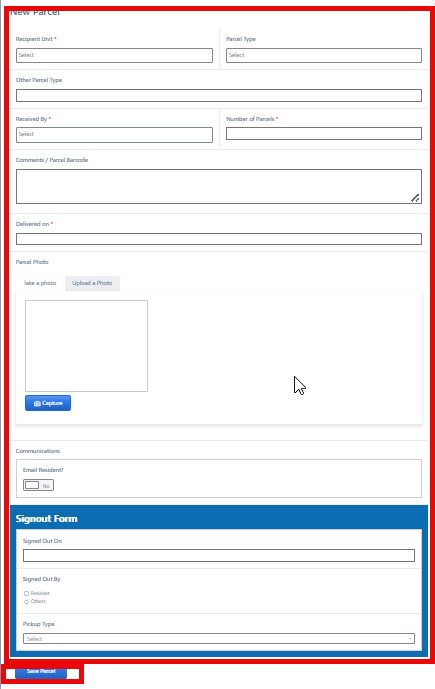
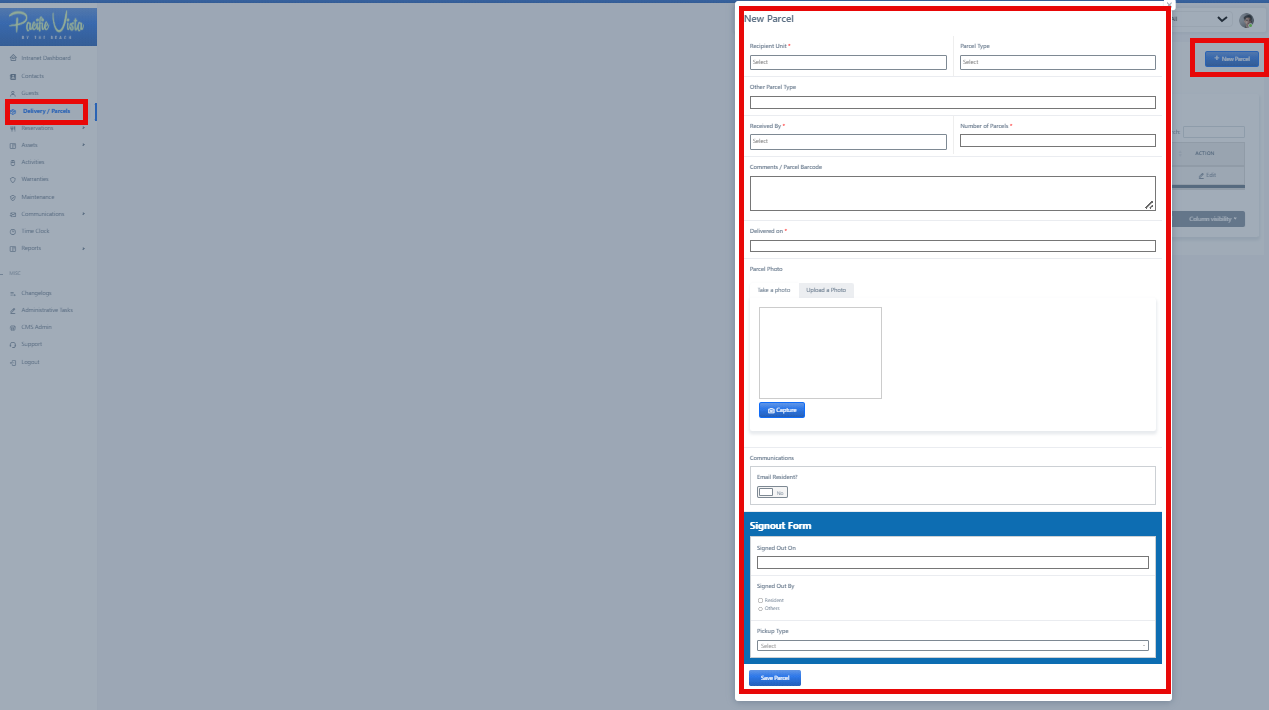
- New Parcel - Fill in all the necessary information in the fields and then click "Submit."
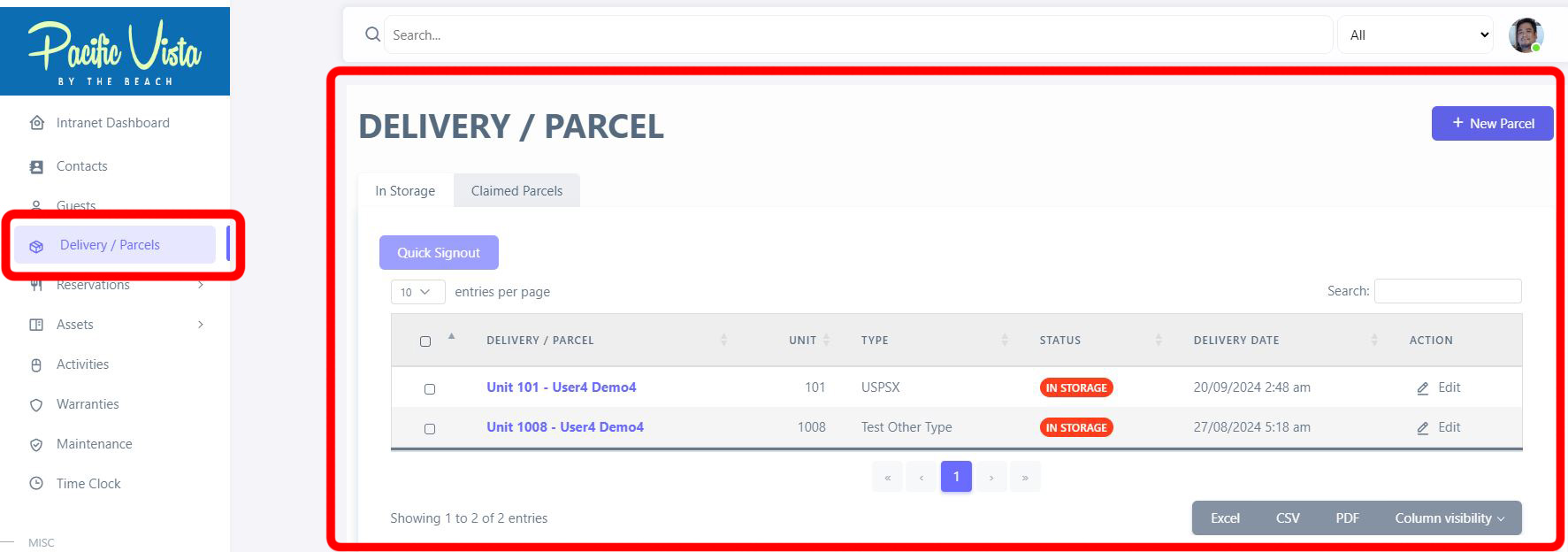
- All Parcels - Here, you can view all the information regarding the Delivery/Parcel, including their Status. You can also update or view them by clicking the three-dot icon under "Action."
It can also be categorized based on In Storage and Claimed Parcels.
After completing all required details, click “Save Parcel.”