Delivery / Parcel
Handling of deliveries and parcels, including tracking, notifications, and pickup information for guests or staff.
Please find attached the video for the Delivery/Parcel.
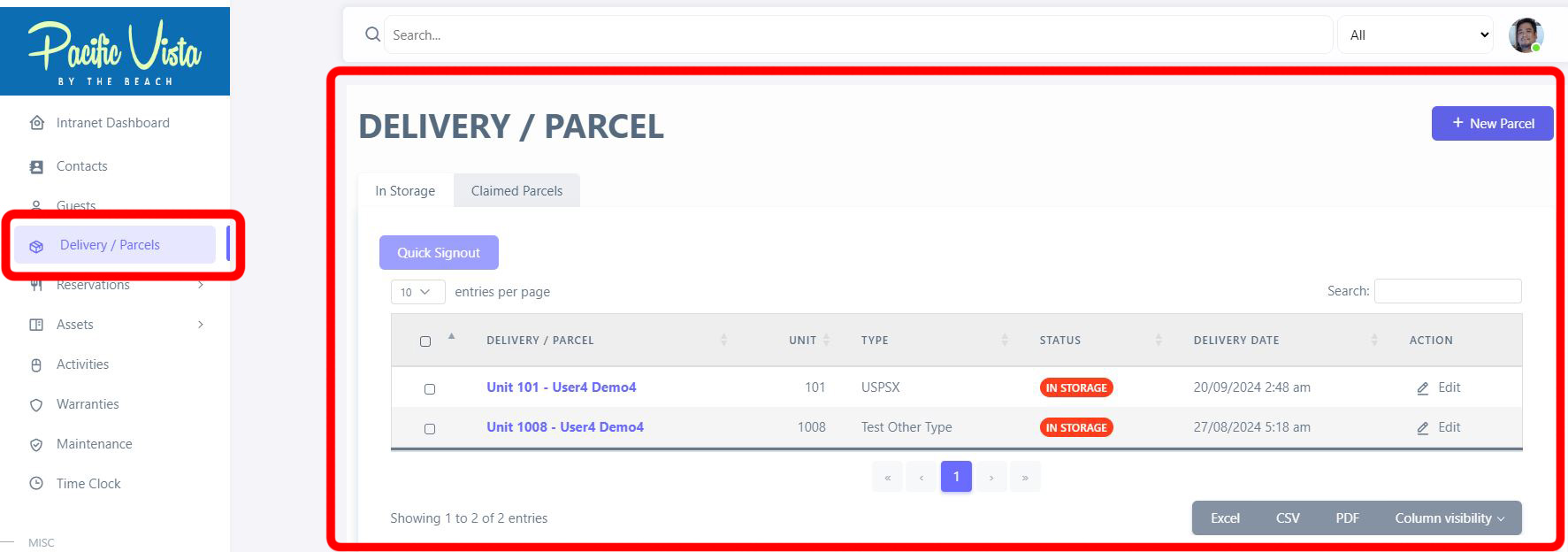
- In the Delivery/Parcel section, you can see the details of each delivery or parcel, including "Recipient Name", "Type", "Status", "Delivery Date". and "Action" options. You can also update or view them by clicking the three-dot icon under "Action."
It can also be categorized based on "In Storage" and" Claimed Parcels".
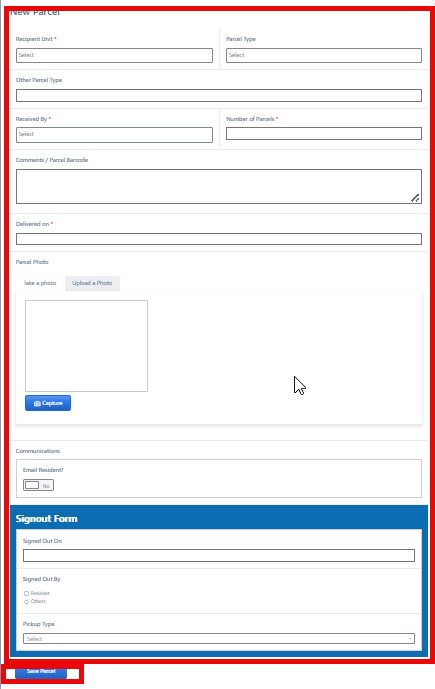
After completing all required details, click “Save Parcel.”