Lockers
The Lockers section displays comprehensive details of all registered lockers, including the "Locker Name", "Renter", "Owner", Description, and Action options. This feature allows administrators or authorized users to monitor and manage locker assignments efficiently.
Please find attached the video for the Lockers.
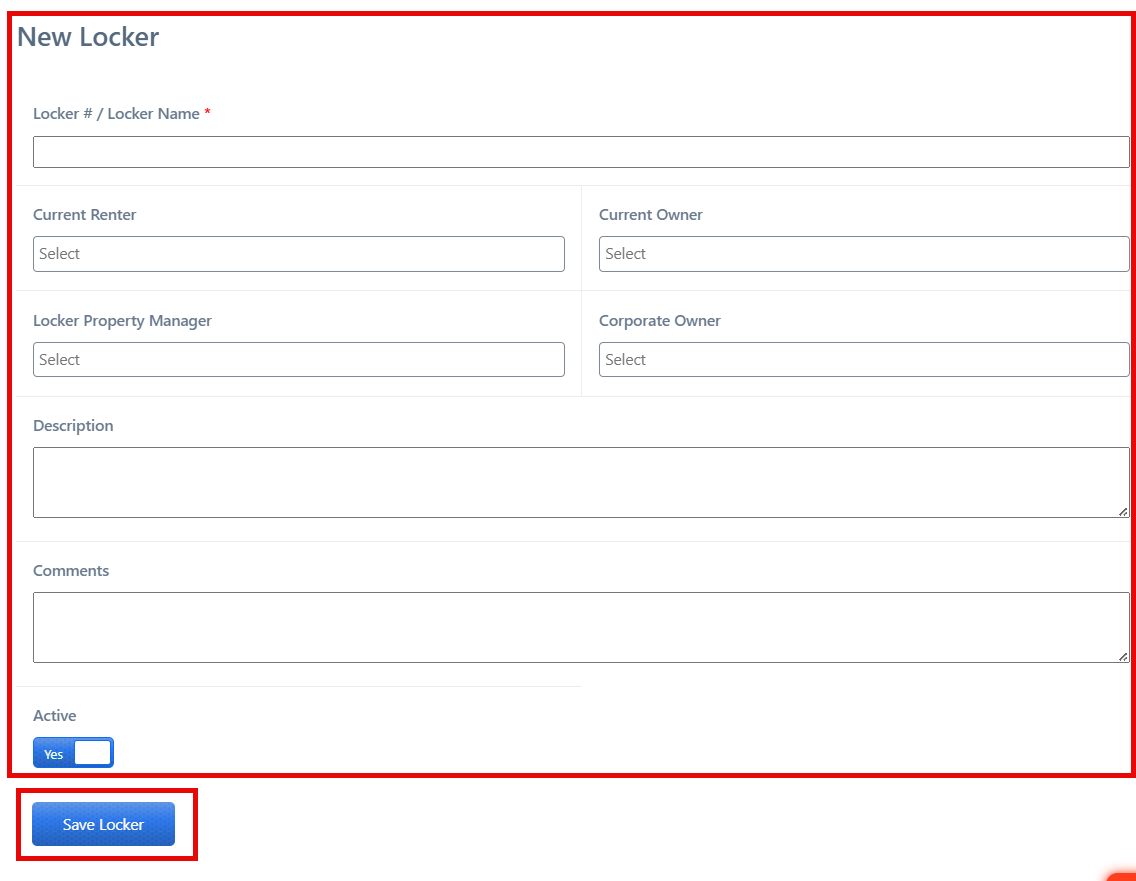
A “New Locker” button is also provided to add additional lockers. By selecting this option, users can input the required information and register new lockers in the system.

After completing all required details, click “Save Locker.”