Delivery / Parcel
Handling of deliveries and parcels, including tracking, notifications, and pickup information for guests or staff.
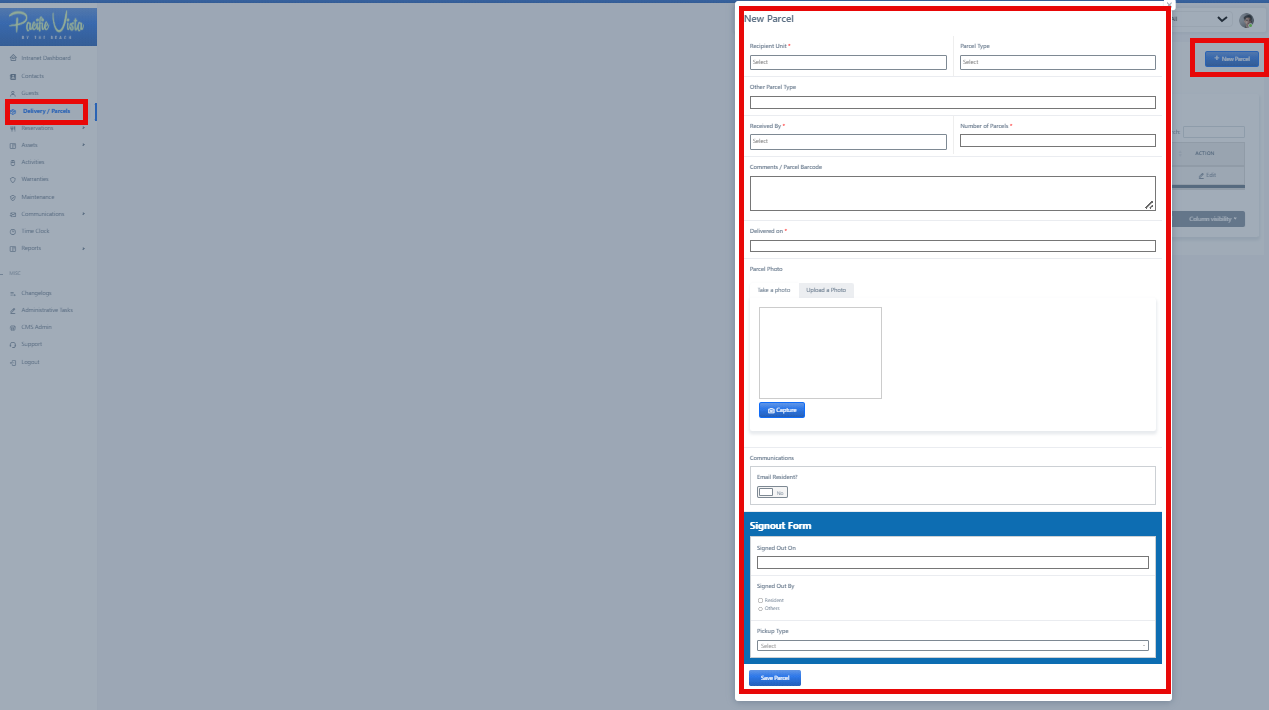
NewParcel-Handling
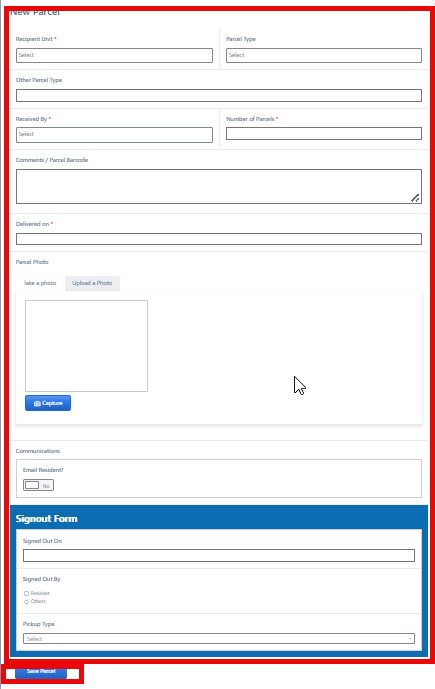
Fillofindeliveriesallandtheparcels,necessaryincluding tracking, notifications, and pickup informationinfortheguestsfieldsorand then click"Submit."
- In the
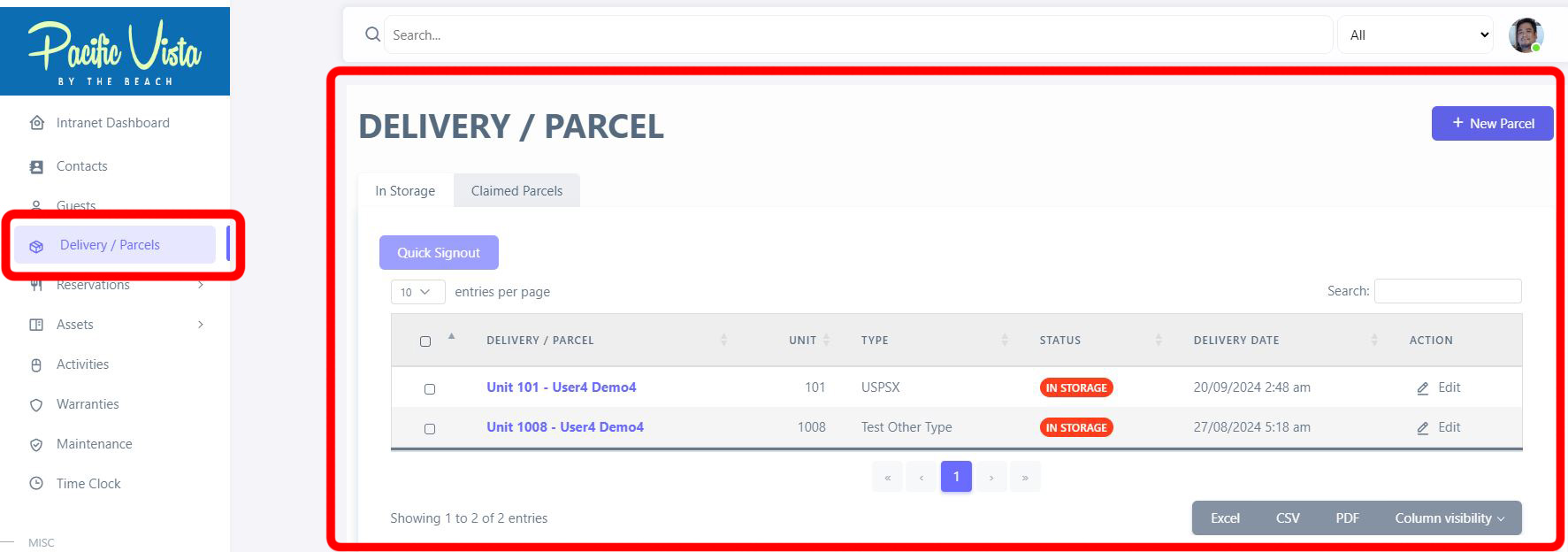
All ParcelsDelivery/Parcel- Here,section, you canview allsee theinformationdetailsregardingoftheeachDelivery/Parcel,delivery or parcel, includingtheir"RecipientStatus.Name", "Type", "Status", "Delivery Date". and "Action" options. You can also update or view them by clicking the three-dot icon under "Action."
It can also be categorized based on "In StorageStorage" andand" Claimed Parcels.Parcels".
After completing all required details, click “Save Parcel.”