
Create New Amenity
Follow these steps to create a new amenity or resource.
Step 1: Open the Amenities module
Step 2: Click +New Amenity
Select the option to create a new amenity record.
Step 3: Enter the basic information
Provide the required details for the amenity. Common fields may include: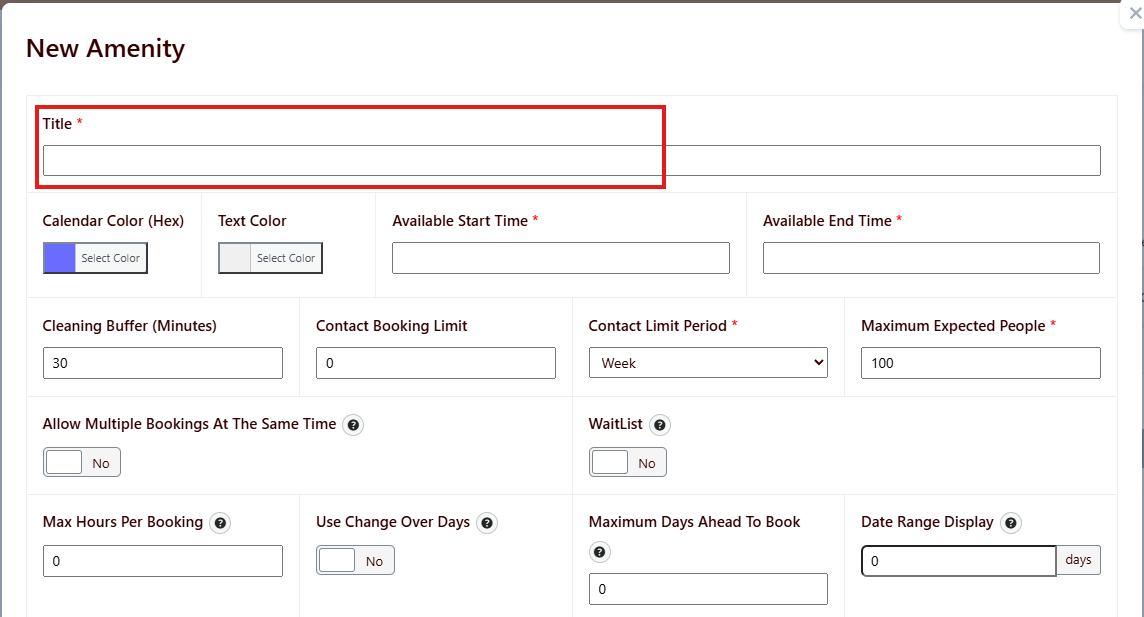
Step 4: Configure booking-related settings
Step 5: Assign templates and triggers
Step 6: Save the amenity
Review the configuration, then save the record.